
Rs 2,000BeginnerVersion Control & Collaboration
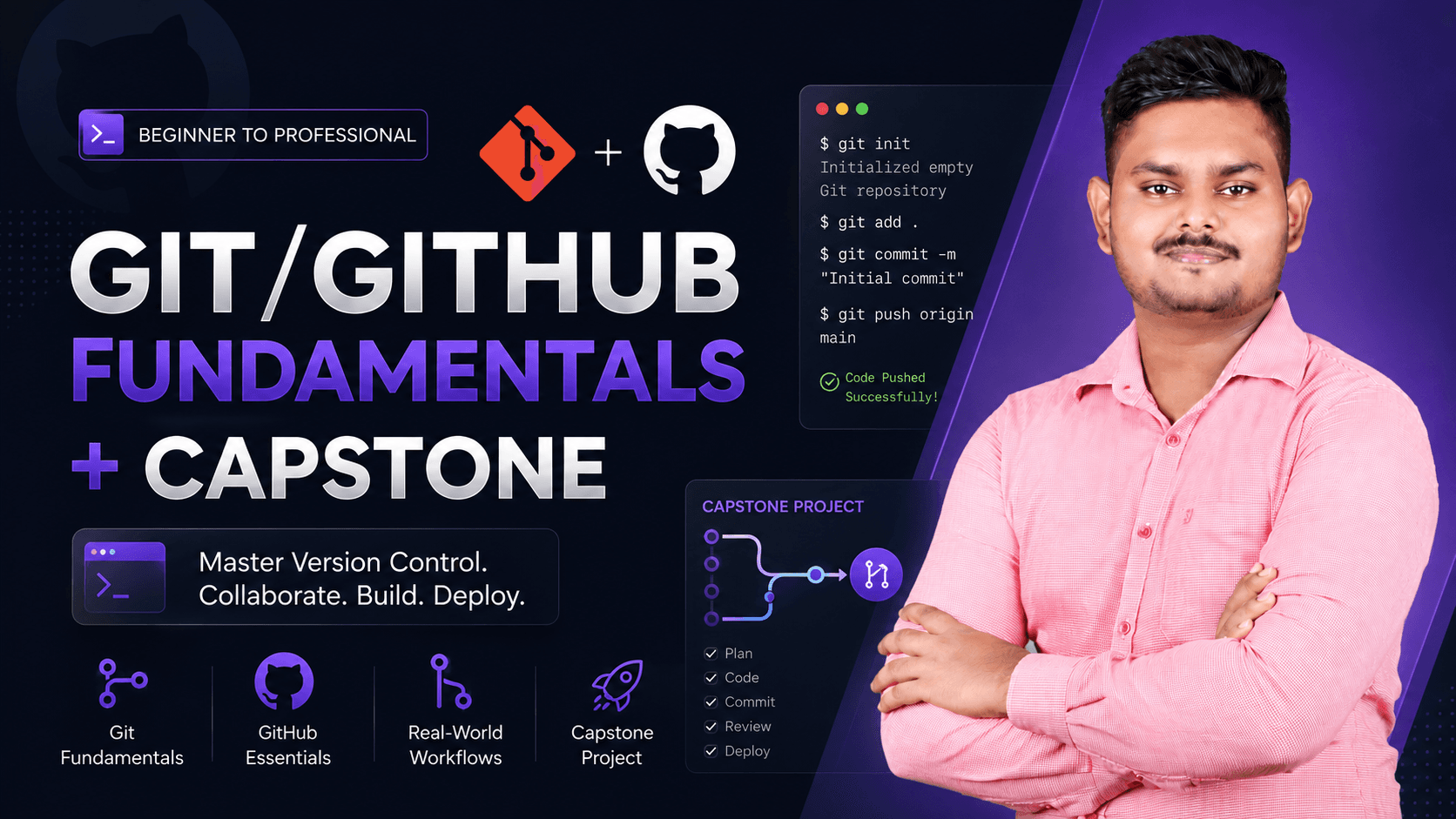
Git/GitHub Fundamentals + Capstone
Version control from your first commit to your first pull request
24 lessons
Sign in or create an account to enrol.
Sign in to enrolAbout this course
Every developer and DevOps engineer uses Git daily - but most beginners only learn it by accident, picking up bad habits along the way. This course teaches Git and GitHub properly from the ground up: commits, branches, merge conflicts, and real team collaboration workflows. You'll finish by submitting an actual pull request as your capstone - a real, verifiable contribution you can point to on your CV or LinkedIn.
Course content
Module 1 · Module 1: Introduction to Version Control
- What is version control & why Git won
- Installing Git & initial setup — config, SSH keys
- Git vs GitHub vs GitLab: what's the difference
Module 2 · Module 2: Git Basics
- git init and git status explained
- Staging & committing: add, commit
- Viewing history: git log, git diff
- .gitignore and what not to track
- Undoing changes: checkout, restore, reset
Module 3 · Module 3: Branching & Merging
- Understanding branches conceptually
- Creating & switching branches
- Merging branches & resolving merge conflicts
- Rebase vs merge - when to use which
Module 4 · Module 4: Working with GitHub
- Creating a GitHub account & your first repository
- Pushing & pulling: remote, push, pull, clone
- Forking a repository
- Writing a good README, licenses, and repo structure
- GitHub Issues basics
Module 5 · Module 5: Collaboration Workflows
- Creating & reviewing pull requests
- Code review etiquette & leaving useful comments
- Resolving merge conflicts inside a pull request
- Git workflows: Git Flow vs trunk-based development
Module 6 · Module 7: Capstone Project
- Capstone brief: contribute a real pull request to a provided repo
- Step-by-step: branch → commit → open PR → resolve a review comment
- Capstone submission & how to showcase it on your portfolio/LinkedIn
Ratings & Reviews
No reviews yet.