
Rs 3,000BeginnerLinux & Systems
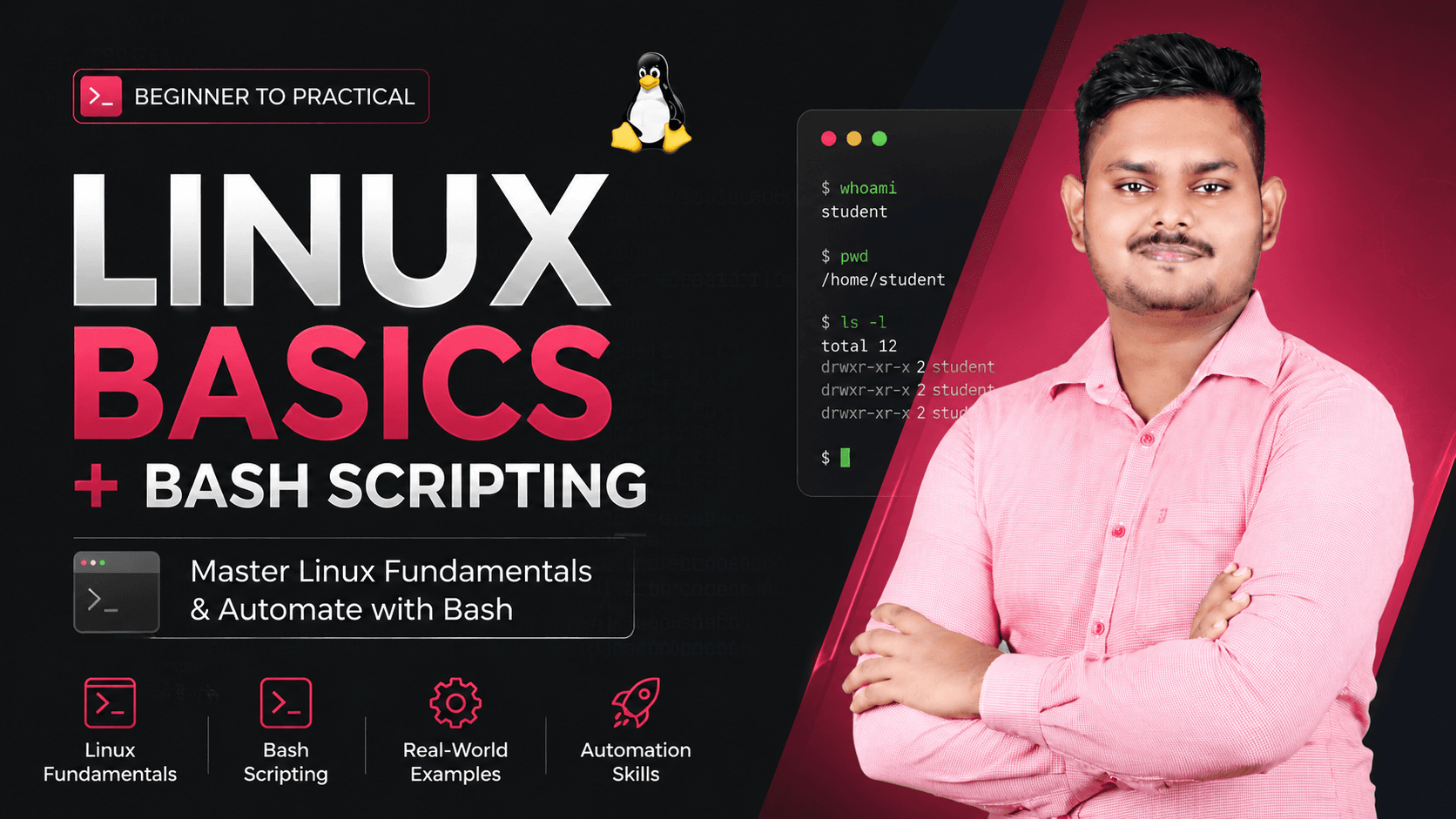
Linux Basics + Bash Scripting
Master the command line and automate real tasks like a DevOps engineer
18 lessons
Sign in or create an account to enrol.
Sign in to enrolAbout this course
Every cloud and DevOps role starts at the terminal. This course takes you from your very first Linux command to writing your own automation scripts - the exact skills tested in interviews and used daily on the job. No prior experience needed, just a laptop and curiosity. By the end, you'll be comfortable navigating any Linux server and you'll have written a real bash script that automates a system task, ready to show in your portfolio.
Course content
Module 1 · Module 1: Introduction to Linux
- What is Linux & why it matters in DevOps
- Linux distributions overview
- Setting up your Linux environment (VM, WSL, or free-tier cloud instance)
Module 2 · Module 2: File System & Navigation
- Navigating directories: cd, ls, pwd
- The Linux filesystem hierarchy explained
- Creating & removing files/folders: touch, mkdir, rm, rmdir
- Viewing & editing files: cat, less, nano, intro to vim
- Copying, moving, renaming: cp, mv
Module 3 · Module 3: File Permissions & Ownership
- Understanding permissions: read/write/execute, owner/group/others
- chmod & chown in practice
- Root, sudo, and su explained safely
Module 4 · Module 4: Working with Text & Data
- Searching text with grep
- Pipes & redirection: |, >, >>, <
Module 5 · Module 7: Practical Automation
- Scheduling scripts with cron
- Logging & error handling in scripts
- Writing a real backup automation script
Module 6 · Module 8: Capstone Project
- Capstone brief: build a disk-monitoring/backup script that alerts on failure (
- Step-by-step capstone walkthrough & submission guide
Ratings & Reviews
No reviews yet.